

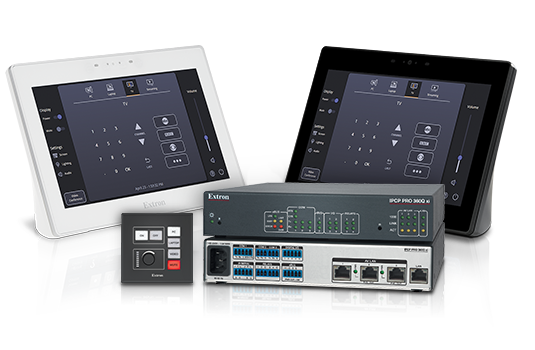
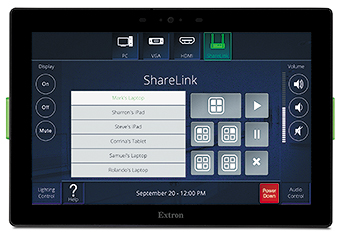
TouchLink Pro Touchpanels
Powerful touchpanels with faster processing and more memory, available in sizes from 3.5" to 17"

IP Link Pro xi Control Processors
Our most powerful and secure AV control processors
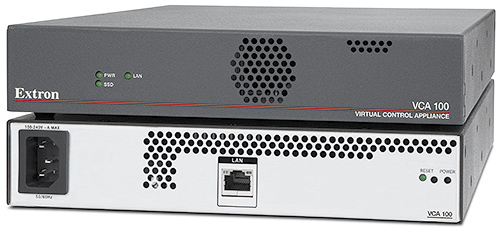
Virtual Control
Extron Virtual Control lets you scale, deploy, and manage control resources where and when you need them.
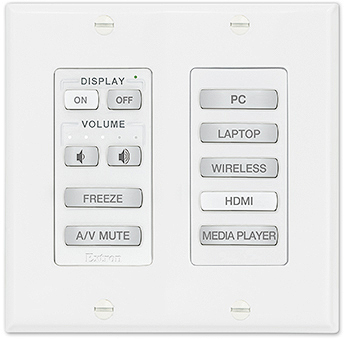
MediaLink Plus Controllers
Easy-to-use, configurable AV system controllers with Ethernet device control and PoE
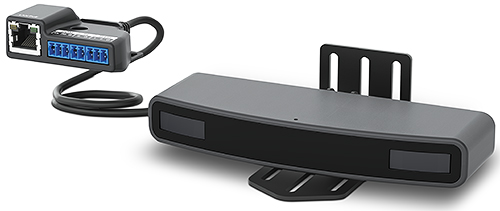
Workspace Automation Controllers
Extron Workspace Automation Controllers are designed to add easy, secure display power control and automation to workspaces of all sizes
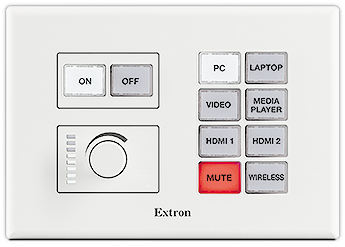
Network Button Panels
Introducing Extron Network Button Panels
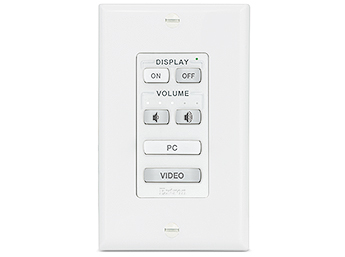
eBUS
Extron’s eBUS® button panels are customizable, integration-friendly AV system control interfaces designed for use with Extron IPCP Pro control processors.
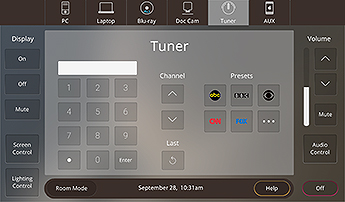
GUI Design Themes
Extron offers a number of valuable resources geared toward design professionals
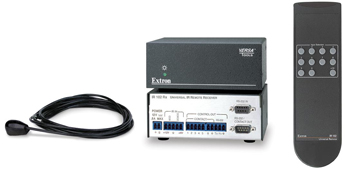
IR Remotes & Control Panels
IR remote controls, remote keypads, and other control panels that duplicate front panel controls for greater operational flexibility
 Chrome
 Firefox
 Edge
Edge
 Safari